Expressions
Use expressions to make your Style more dynamic.
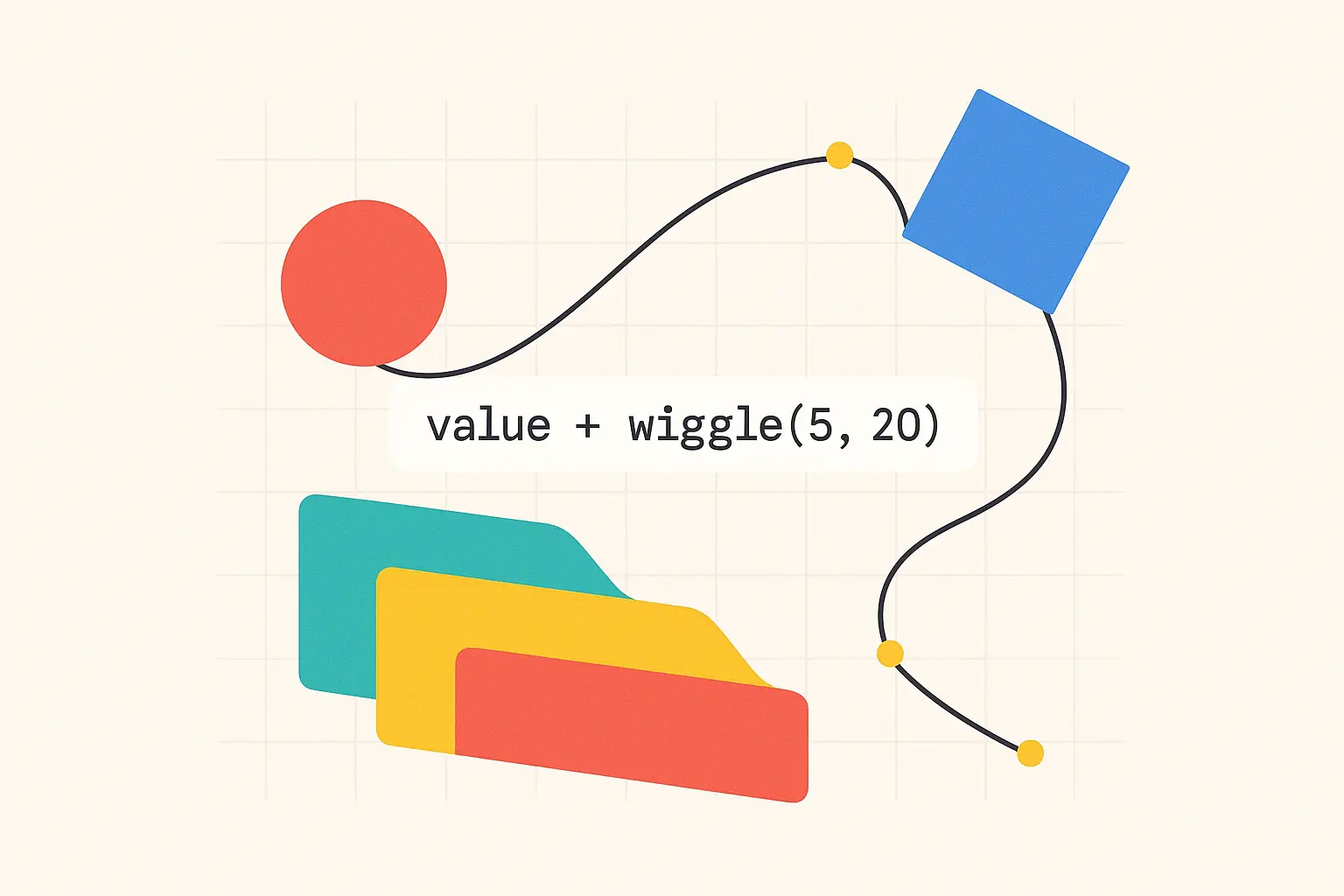
After Effects Expressions
Almost each property in After Effects can be extended with expressions.
Hold ALT/OPTION and click on the stop-watch to add expressions to the property.
Bellow you’ll find a series of powerful expressionsthat can be used to make your Styles more dynamic.
Trinity Expressions
Link to Trinity using two keyframs
let aKey = thisProperty.key(1);
let bKey = thisProperty.key(2);
let flow = comp("mainComp").layer("$").effect("FLOW")("Slider");
let form = comp("mainComp").layer("$").effect("FORM")("Slider");
linear(flow,0,100,aKey,bKey)
Modify a color using FORM
// Put this expression on a color link it's lightness,hue and/or saturation to FORM'
color = comp("mainComp").layer("$").effect("1")("Color");
form = comp("mainComp").layer("$").effect("FORM")("Slider")
hsl = rgbToHsl(color);
lightFactor = linear(form,0,100,1,0)
hsl[2] = Math.min(1, hsl[2] + lightFactor);
hslToRgb(hsl);
Controller Linking Expressions
Link to controller preserving animation shape
// Paste it on a property with two keyframes, to link it to a controller on the comp.
// You can add an slider called time_modifier to stretch or reduce the animation; if the slider is at 100 it will play at 100% the speed of the controller.
// --- SETUP ---
// Main controller that drives the animation
var controller = thisComp.layer("controller").effect("enter")("Slider");

// Optional "time_modifier" slider on this layer.
// Defaults to 100 (100%) if the effect doesn't exist.
var timeModifierValue = 100; // Default value
try {
  // Try to get the value from the slider effect on this layer
  timeModifierValue = thisLayer.effect("time_modifier")("Slider").value;
} catch (e) {
  // If the effect doesn't exist, we'll just use the default 100. No error will be thrown.
  timeModifierValue = 100;
}


// --- CALCULATIONS ---
// Convert the percentage slider (e.g., 200) to a multiplier (e.g., 2.0)
var durationMultiplier = timeModifierValue / 100;

// Get the original start and end times from the controller's keyframes
var controllerStart = controller.key(1).time;
var controllerEnd = controller.key(2).time;
var controllerDuration = controllerEnd - controllerStart;

// Calculate the new, modified end time for our animation
// This takes the original duration, scales it, and adds it to the start time.
var newAnimationEnd = controllerStart + (controllerDuration * durationMultiplier);

// Calculate the progress (a value from 0 to 1) based on the *new* time range
var progress = linear(time, controllerStart, newAnimationEnd, 0, 1);

// Get the start and end times of the original keyframes on this property
var animStart = thisProperty.key(1).time;
var animEnd = thisProperty.key(thisProperty.numKeys).time;

// --- OUTPUT ---
// Map the 0-1 progress to the time span of the original animation
var newTime = linear(progress, 0, 1, animStart, animEnd);

// Return the value of the original animation at this remapped time
valueAtTime(newTime);
Caption Modifying
Linebreaker
// on source text to split the text based on maximum allowed words per line
originalText = text.sourceText;
textArray = originalText.split(" ");
maxWords = 2;
finalText = "";
wordCounter = 0;
for (let i = 0; i < textArray.length; i++) {
  finalText += textArray[i];
  wordCounter++;
  if (wordCounter === maxWords && i < textArray.length - 1) {
    finalText += "\n";
    wordCounter = 0;
  } else if (i < textArray.length - 1) {
    finalText += " ";
  }
}
text.sourceText = finalText;