Style
A design system for video
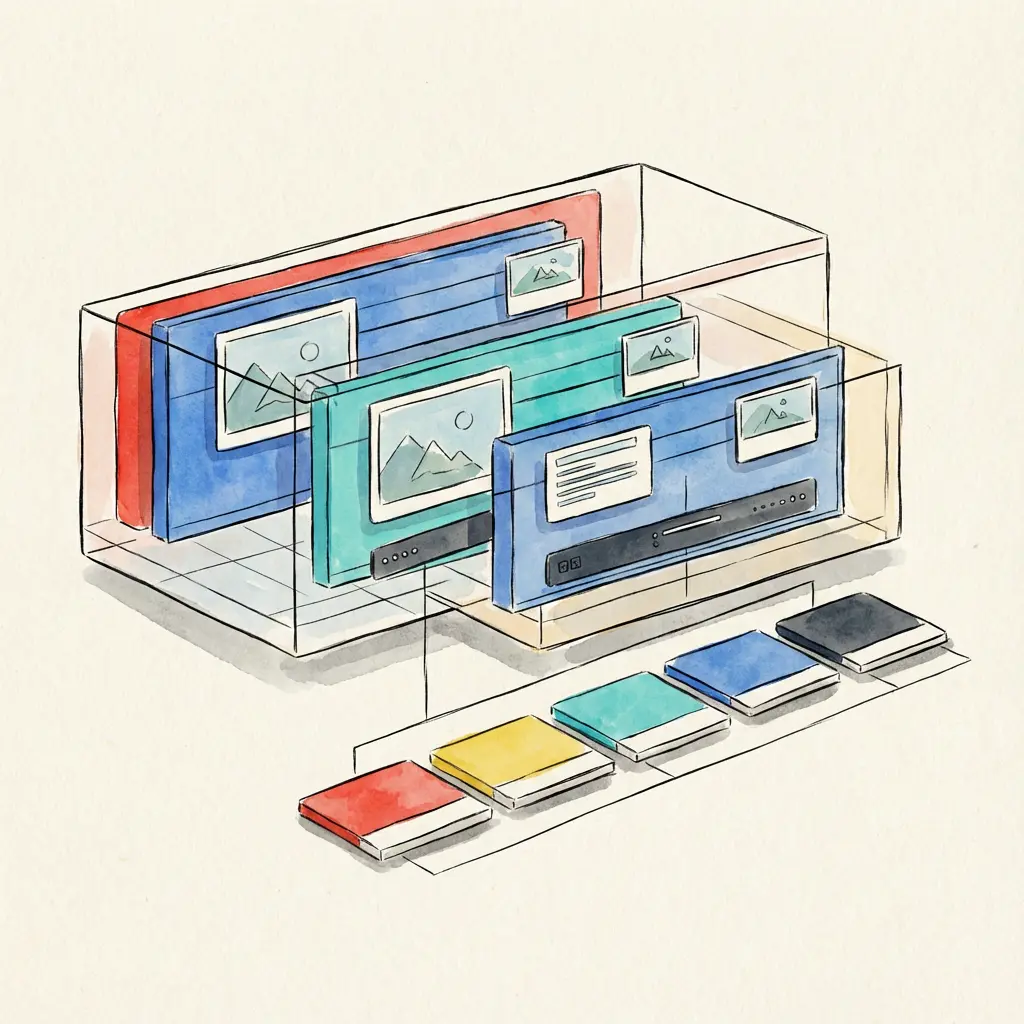
A Style is a design system for video. It defines how stories look and move—typography, color, rhythm, texture, and more—while remaining flexible enough to adapt to any narrative fed through it.
Typography
Start by picking a typeface—it anchors the entire aesthetic. Users explore the Styles Gallery through font search, so designing around typography is a natural starting point.
We rarely find a breaking news show using Comic Sans… but open to it.
Graphics Engine
Styles are built on a graphics engine. Currently we support After Effects, with Blender, Resolve, and others planned.
Each entity below includes its After Effects implementation. As we add engines, we’ll note the equivalents.
Entities
mainComp
├── mainControl
└── shots/
    └── shot
        ├── controller
        ├── frame
        └── text
mainComp
The main timeline. The whole video is assembled here; the final export comes from this composition.
AE: Composition
mainControl
A control object at the video level. It holds the three Trinity parameters and the three color palette values. This is what connects global settings to everything in your style.
AE: Null layer inside mainComp
shot
The shot is the core unit of the video. A style is a collection of shots. Each shot contains text, frame, and controller.
The more diverse the shots, the greater the range of story expression.
AE: Composition placed inside a folder called ORIGINAL_SHOTS
controller
A control object inside the shot that manages timing. It holds enter/exit markers—two reference points each—that animations within the shot can link to. These markers are set during runtime.
AE: Null layer
Enter/Exit
Enter and Exit are two properties (any type works) with two keyframes each. The animations in the shot should link to these keyframes, which get set during runtime.
The values represent animation progress on a percentage basis: first keyframe is 0, second keyframe is 100.
You can link simple animations like Range Selector Offset directly, or use expressions to link by referencing keyframe times. See expressions for examples.
frame
A nested element inside the shot that holds the attached media—images or video.
AE: Composition
The name should match the shot name + -frame:
shot: "hero"
frame: "hero-frame"
text
A nested element inside the shot that holds and displays caption content.
AE: Composition
The name should match the shot name + -text:
shot: "hero"
text: "hero-text"
Inside the text comp, the textBlock layer holds the text from the story section. Apply style changes and animation to this layer.